Save big on select displays!

How to Assemble Your GrailGrid Display
1. Prepare Surface
For the strongest bond, clean your wall
2. Mount Your "Anchor" Grid
Start with one GrailGrid frame. Apply your adhesive strips to the back and press it firmly against the wall.
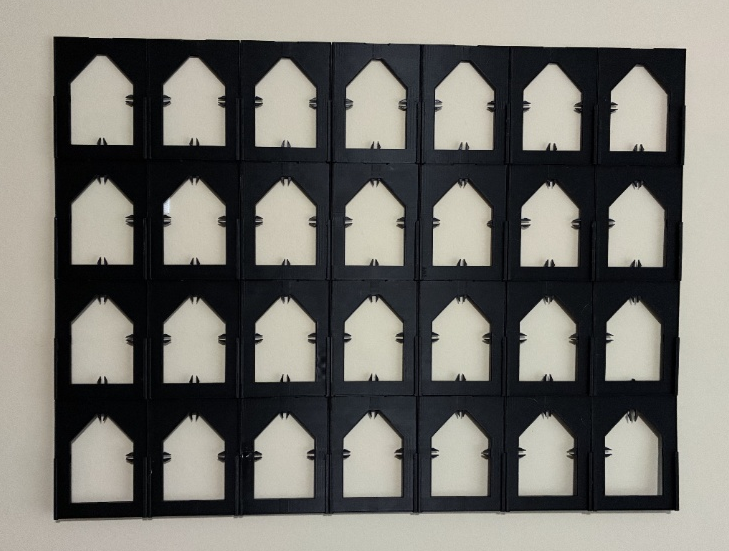
Alignment: Ensure the "house" silhouette is upright (pointed roof at the top).
3. Expand
The magic of GrailGrids is the modular snap-fit design. To add more:
Line up the side or vertical tabs of a new frame with your mounted anchor.
Push the clip through both of the frames to have both frames clip together.
4. Load Your Cards
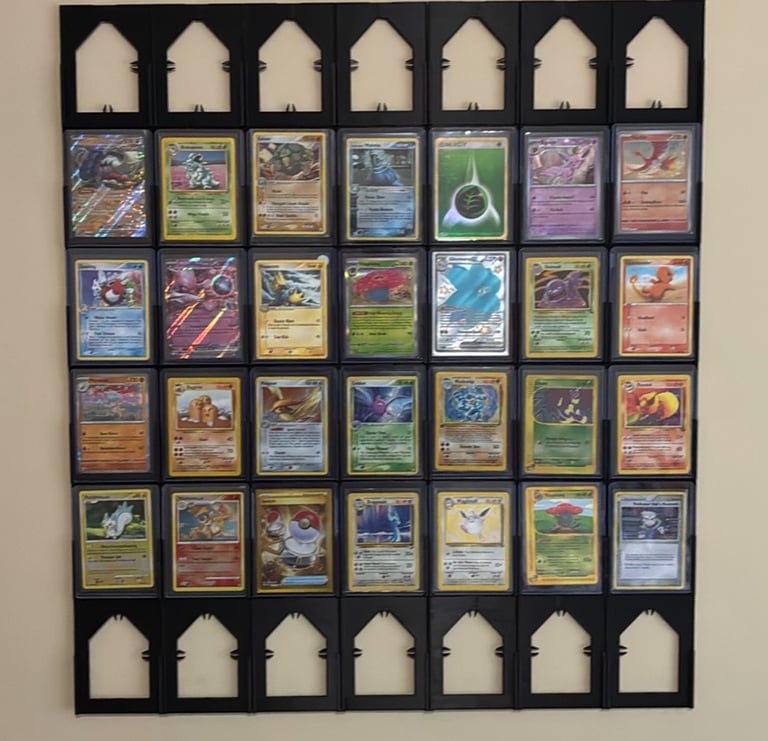
GrailGrids are designed for standard 35 ppt top loaders.
The Slide: Position your card at the top of the frame.
The Click: Slide the top loader down into the frame silhouette. Our internal tension tabs will "grab" the holder, keeping it secure.
5. Easily Swap Your Cards
Ready to change the cards in your display?
Place your thumb at the bottom of the card holder and slide it upward.
The tension tabs will release, allowing you to swap in a new card in seconds without touching the wall-mounted grid.
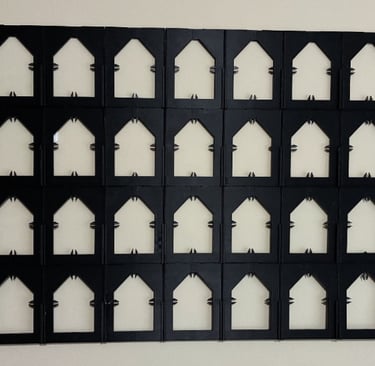
Modular Fit
Snap pieces together effortlessly, no tools needed.
Easy Swap
Slide cards in and out in seconds.
Join Us
Get updates on new grids and offers